
An alert arrives at a shared inbox during the evening. One administrator assumes the support provider will investigate. The provider sees the same notification but believes the internal team owns the application. By morning, several employees are unable to work and the original warning is buried beneath repeated messages. The monitoring system detected a condition; the operating arrangement failed to turn it into a response.
Monitoring alert ownership begins with that gap. Before adding more checks, decide what each alert means, who receives it, what they are expected to do and how responsibility moves when the first responder cannot resolve the problem. The design needs to match actual working hours and support agreements.
A smaller business does not need a complex operations centre to make progress. It needs a manageable set of useful alerts connected to real people, practical instructions and the business services they protect. This guide explains how to build that arrangement and how to test whether it works.
Start from a service someone needs to use
Select a business service such as order entry, warehouse dispatch or access to shared documents. Describe how a user knows it is working. A server responding to a basic check may still host an application that cannot authenticate users or complete a transaction.
Map the important components underneath the service, but keep the user outcome visible. Infrastructure checks can help diagnose a fault, while a representative service check can reveal that the overall workflow is unavailable. These checks answer different questions and should not be treated as interchangeable.
For each service, identify the person who understands its business importance. That owner can explain when a failure is urgent, what temporary alternatives exist and which users need communication. The technical responder needs this context to choose an appropriate action rather than treating every warning as equally disruptive.
Write down the action before enabling the alert
A useful alert has a plausible response. Ask what the recipient should do first, what evidence they should gather and which actions are within their authority. If nobody can describe a meaningful response, the condition may belong on a review dashboard rather than in an urgent notification channel.
For example, a capacity warning could require checking growth, identifying the responsible workload and scheduling corrective work. An unavailable application could require confirming the scope, checking a known dependency and opening an incident. A failed backup could require protecting the next recovery opportunity rather than repeatedly rerunning a job without understanding the failure.
Keep instructions concise enough to use under pressure. Link to a controlled procedure for detailed steps. Include boundaries: when to stop, when approval is required and which changes could affect other services. An alert should not encourage an inexperienced responder to improvise a high-impact repair.
Separate notification, acknowledgement and ownership
Sending a message does not prove anyone received it. Acknowledgement does not prove someone has accepted responsibility for resolution. Define those states explicitly so the team can tell whether an alert is simply visible or actively being handled.
The assigned responder should record acceptance in the agreed incident or support process. If the issue moves to another team, confirm the handover rather than copying additional people into an email and assuming ownership transferred. The outgoing owner remains responsible for ensuring the next owner has accepted the case under the agreed process.
Avoid alerts directed only to an individual’s personal availability. People take leave, change roles and lose connectivity. Use a maintained duty arrangement or shared service queue with clear coverage. A group address can support that arrangement, but the address itself is not a substitute for an accountable responder.
Match urgency to the consequence and the clock
The same technical condition can have different business effects at different times. A reporting service unavailable overnight may have limited immediate impact, while a dispatch service failing shortly before a collection deadline may need rapid attention. Document these distinctions with the business owner.
Create a small number of meaningful severity levels. Explain them using impact and required response rather than ambiguous adjectives. A condition affecting all users of an essential service differs from a warning about future capacity. Keep the severity rules understandable enough that two responders are likely to make the same initial judgement.
Be honest about coverage. If the support arrangement operates during business hours, an overnight message may only be reviewed the next morning. If the business requires an out-of-hours response, arrange staffing, access and escalation accordingly. Merely enabling continuous monitoring does not create continuous support.
Give each alert a complete responsibility record
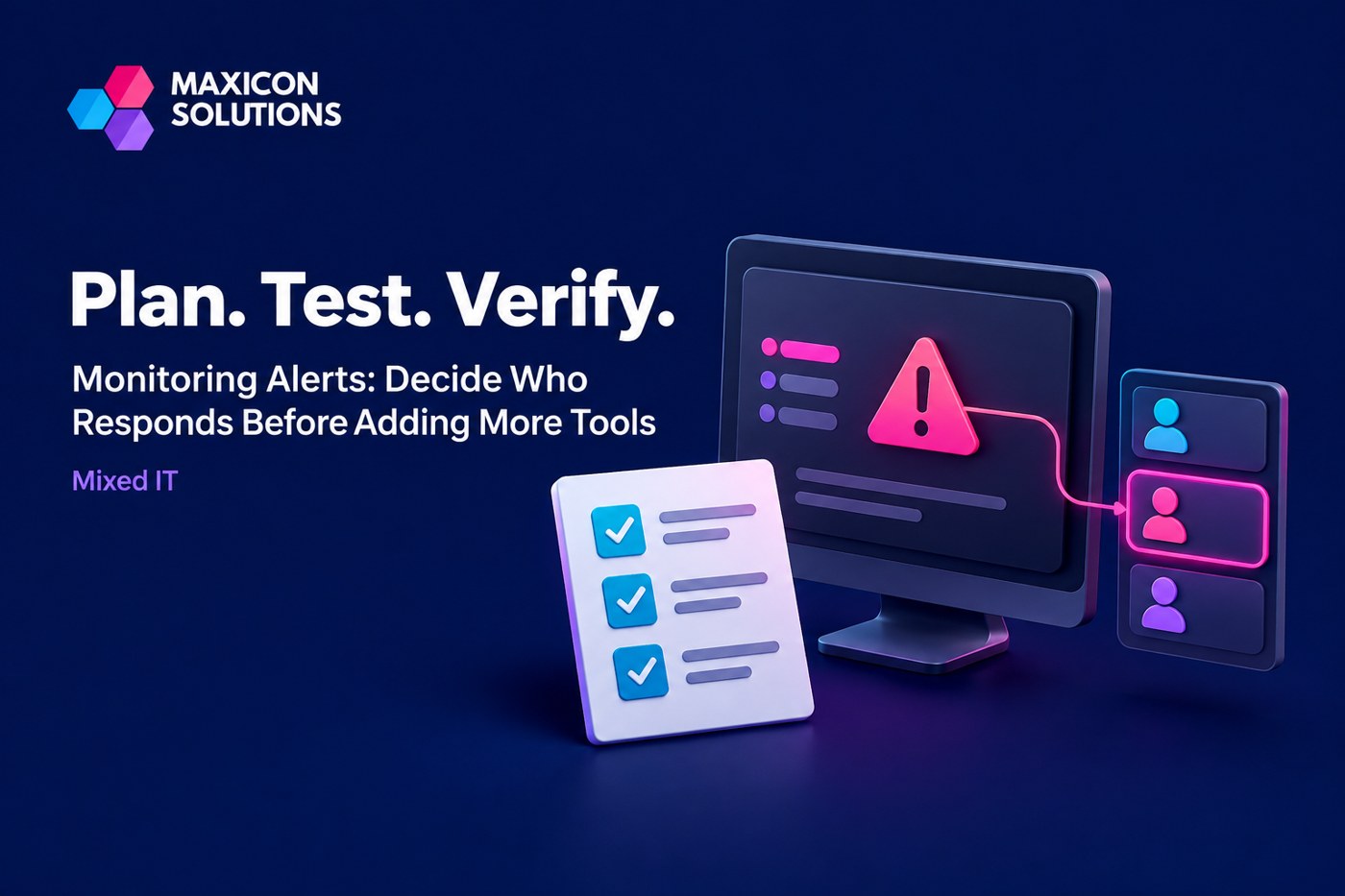
Maintain a register of enabled alerts. For each one, record the service, purpose, severity rule, recipient route, coverage window, first-response procedure and escalation owner. Include who can change the alert and who reviews whether it remains useful.
Record the expected evidence for resolution. A cleared condition can be helpful, but a fluctuating service may temporarily recover without the cause being understood. The responder may need to verify a user transaction, inspect a dependency or schedule follow-up work before closing the incident.
Maxicon’s IT support contracts provide a relevant starting point for agreeing how monitoring notifications become support actions. Review sample alerts alongside the proposed coverage and escalation process so responsibilities are concrete before the arrangement begins.
Design escalation around obstacles the responder may face
Escalation should address more than elapsed time. The first responder may lack access, need supplier assistance, discover a wider incident or reach the limits of the approved procedure. Define which role takes over in each situation and how to reach that role.
Keep contact information usable during the failure being monitored. If all escalation details are stored inside the unavailable service, the process has a dependency problem. Provide an approved alternative location with suitable access controls and keep it current when people or providers change.
Include a business communication route. A technical investigation can continue while an authorised manager tells staff what is affected and which workaround is approved. Separating those responsibilities helps avoid silence without forcing the engineer to interrupt diagnosis for every status request.
Reduce repeated noise without hiding the incident
Repeated notifications about the same fault can obscure useful changes. Define how related alerts are grouped and how reminders behave while an incident is already owned. Suppression should reduce duplication while preserving visibility of the unresolved condition.
Use maintenance windows carefully. Suppress expected notifications only for the relevant systems and time period, and confirm that monitoring resumes afterward. A broad, indefinite suppression can hide a new fault unrelated to the planned work. Record who authorised the window and which checks should remain active.
Investigate noisy thresholds rather than simply increasing them. A warning may be too sensitive, or it may reveal recurring workload pressure that deserves a capacity decision. Compare alerts with the real operating pattern before changing the rule. Keep a short reason for the change so later reviewers understand what tradeoff was made.
Test the route from detection to recovery
A monitoring test should include people and process. Choose a safe, approved scenario and verify that the expected alert reaches the intended route, creates the required record and receives acknowledgement. Confirm that the responder can find the procedure and has the necessary authorised access.
Then test escalation. The exercise can simulate an unavailable first responder or a problem requiring another team. The objective is to discover gaps in the handover, not to surprise staff or create unnecessary disruption. Make the scope and boundaries clear to everyone involved.
Include recovery verification and closure. Check that the cleared state appears, that the incident record explains the result and that any temporary workarounds are reviewed. A test ending at message delivery leaves the most important operational questions unanswered.
Review missed incidents as well as received alerts
Ask which user-visible problems occurred without a useful warning. Some may require better service checks, while others may be unsuitable for automated detection and need a clearer user reporting route. Monitoring should complement staff reports rather than make them seem unnecessary.
Also review alerts that generated work without identifying a meaningful problem. Determine whether the issue was a poor threshold, stale configuration, missing context or a genuine condition that lacked an agreed response. Each cause suggests a different improvement.
For an illustrative office example, a printer-offline warning may repeatedly trigger when a device is intentionally powered down after hours. Changing the schedule could remove noise. A dispatch printer failing during its operating window remains important, so disabling the check entirely would remove useful coverage.
Measure whether alerts lead to useful decisions
Count alerts only as background information. More useful measures include unowned incidents, repeated alerts without a corrective action, escalation failures and cases where responders lacked required access. These reveal weaknesses that management can help resolve.
Distinguish detection delay from acknowledgement, investigation and restoration time. Combining them into one number can hide the actual bottleneck. A quickly acknowledged alert followed by hours waiting for supplier access needs a different improvement from an alert that nobody saw.
Use the review to retire obsolete checks, improve procedures and allocate work. When a service is replaced or moved, update its monitoring ownership as part of the change. Otherwise, alerts may continue pointing to former administrators while the new environment operates without meaningful coverage.
Begin with a small, accountable monitoring set
Select a few services whose failure has a clear consequence. Establish their checks, response instructions and ownership, then run a controlled exercise. Expand only as the team demonstrates it can maintain and respond to the current set.
Keep a visible backlog for desired monitoring that is not yet operational. Record whether each item is waiting for a technical check, a responder, a procedure or an approved support window. This makes the gap explicit and prevents a dashboard icon from being mistaken for complete protection.
To review your current alerts and the responsibilities behind them, contact Maxicon. Bring a sample week of notifications, recent incidents and the support coverage your business actually needs. Those inputs are more useful than a feature list alone when designing a monitoring service that produces action.
Frequently asked questions
Does continuous monitoring mean someone responds at all hours?
No. Monitoring coverage and support coverage are separate arrangements. Confirm who reviews alerts outside normal working hours, what response is included and how escalation works. If no responder is assigned overnight, the business should understand that notifications may wait until the next covered period.
Should every warning create an urgent ticket?
No. Match the route to the consequence and required action. Some warnings belong in planned maintenance or capacity reviews. Urgent notifications should identify conditions that require timely intervention, with a clear owner and an instruction the recipient can reasonably carry out.
Who owns an alert that involves several suppliers?
Assign a coordinating incident owner even when several suppliers must investigate. That owner tracks progress, confirms handovers and maintains communication. The technical resolution may move between teams, but overall accountability should remain explicit until the affected service has been verified.
How can a business reduce alert fatigue?
Review repeated notifications, obsolete checks, unnecessary recipients and thresholds that do not reflect normal operation. Group related events and manage maintenance suppression carefully. Preserve meaningful warnings while making each notification more actionable; simply muting a noisy channel can hide important incidents.
What should an alert response test include?
Test detection, delivery, acknowledgement, access to instructions, escalation and recovery verification. Use a safe approved scenario and record gaps. The test should show that the responsible people can act through the complete process, rather than only proving that a message reached an inbox.
Related technology support
For an additional service perspective related to this guide, explore Trubyte’s managed IT services in Karachi.
Discuss your requirements with Maxicon
Tell us about your business, current environment and the support you need.
